What you get without an account
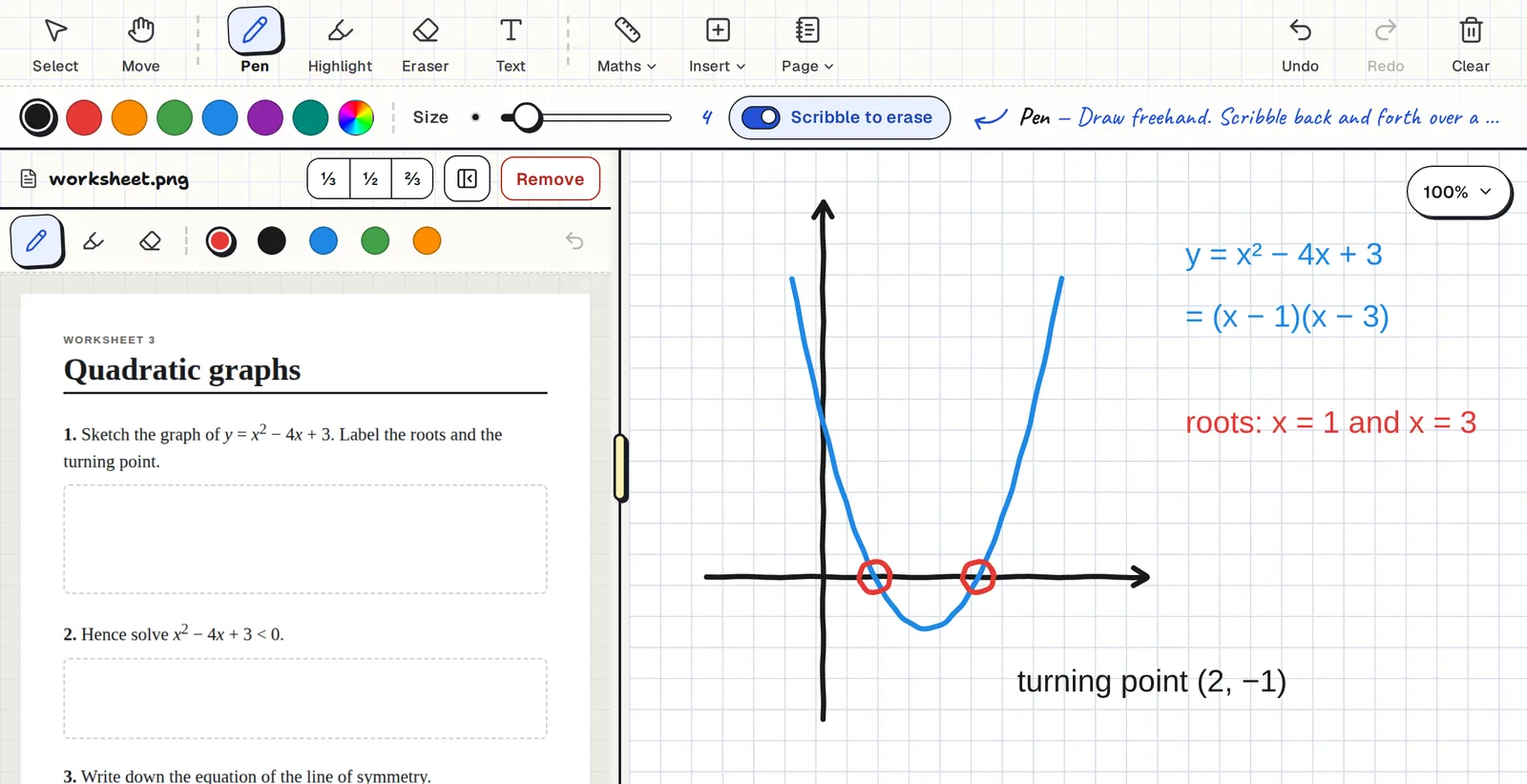
The no-sign-up board is the real Clean Slate whiteboard, running in your browser tab.
- Pen, highlighter, eraser, text boxes, and scribble to erase.
- Blank, lined, squared, dot grid and isometric paper.
- Exact shapes, a ruler, a compass, graph paper and a scientific calculator.
- Pictures you paste or drop in, and a PDF or image open beside the board.
- Select, move, copy, paste, undo and redo.
Nothing you draw is sent anywhere or saved. Reloading the page gives you a fresh board.
When it's worth signing in
Signing in is free and uses a Google account. It adds the things that need somewhere to keep your work:
- Boards that save automatically, with a preview of each one.
- Sharing a board so someone else can write on it with you.
- Live classes, where every student gets their own board.
Students never need an account
If you teach, your students join a live class with a six-character code and their first name. They don't sign up for anything.
No download, on any device
Clean Slate is a web page, not an app to install. It works in Chrome, Edge, Firefox and Safari on iPads, Android tablets, Chromebooks, Windows, Mac and Linux.
Common questions
Is it really free?
Yes. There is no paid plan and no ads.
Is anything saved if I don't sign in?
No. The no-sign-up board lives only in your browser tab and resets when you reload.
Can other people join my board without signing in?
Students can join a live class with a code and no account. The teacher who starts the class signs in with Google.
Do I need to download anything?
No. It runs in the browser.