What teachers used Jamboard for, and how it works here
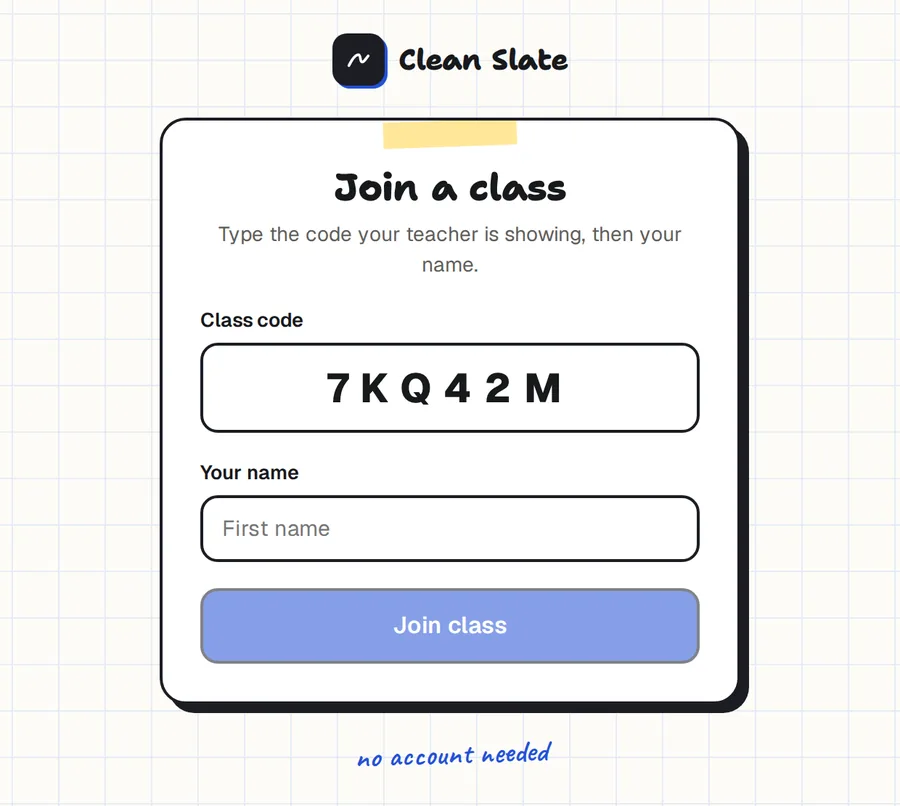
- A board the whole class can see. Start a live class and every student sees your board on their own device.
- A space for each student. In Jamboard you gave each student a frame. In Clean Slate each student gets a board of their own, and you can open any of them while they work.
- Annotating a picture or a text. Paste an image onto the board, or open a PDF beside it, and write over it.
- Quick to start. Students type a six-character code and their first name. No accounts.
What's different from Jamboard
Clean Slate is a writing board, so some things work differently.
- There are no sticky notes. You add text with text boxes.
- There are no separate frames. A board is one page that you pan and zoom.
- Students' own boards last for the live class and aren't saved afterwards. Your board is saved.
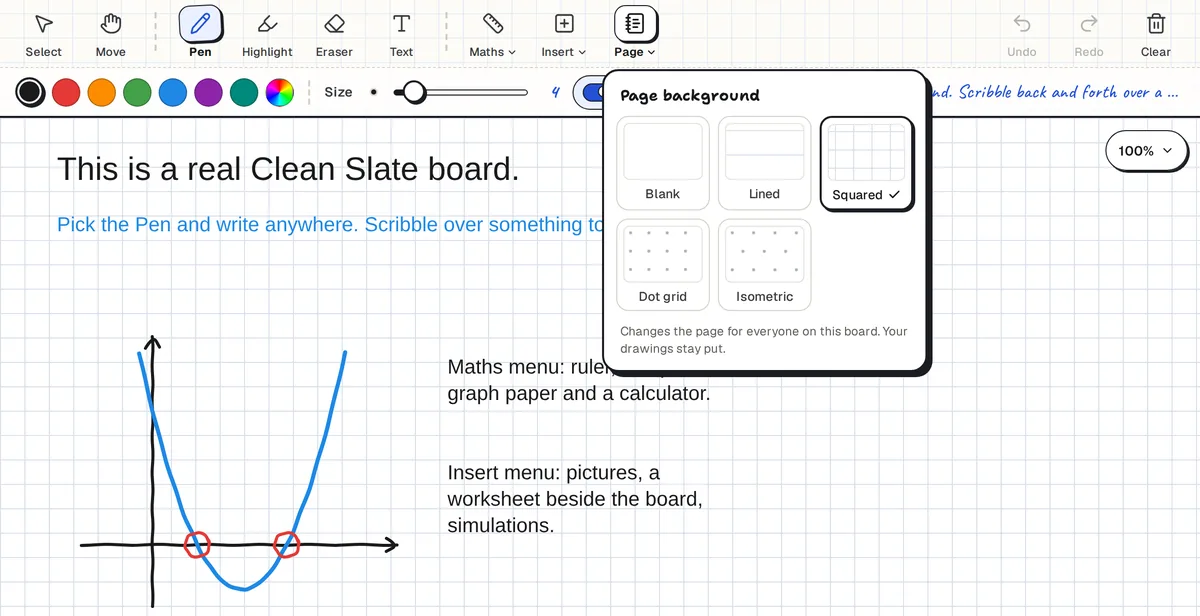
What you gain is a set of teaching tools Jamboard didn't have: shapes drawn to the angles and lengths you set, a ruler and compass, graph paper, a scientific calculator, five paper styles, and a pane for the worksheet beside the board.
Works on Chromebooks and tablets
Clean Slate runs in Chrome on Chromebooks, and in the browser on iPads, Android tablets, Windows and Mac. Nothing is installed.
Common questions
Is Clean Slate free?
Yes. There is no paid plan and no board limit.
Do students need a Google account?
No. Students join a live class with a code and their first name. The teacher signs in with a Google account.
Does it have sticky notes?
No. Use text boxes for typed notes.
Does it work on Chromebooks?
Yes. It runs in Chrome.
Can I try it without signing up?
Yes. The demo board needs no sign-up.