How a live class works
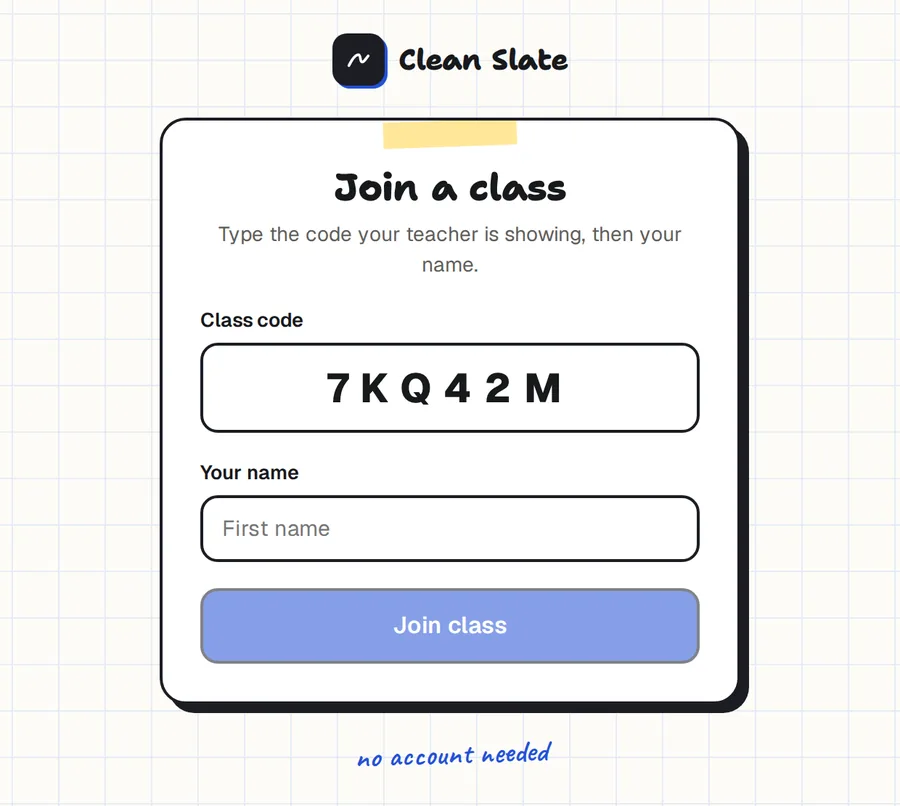
- Start a live class. Open any board and press Start live class. Clean Slate shows a six-character code.
- Students join with the code. They type it on any device, add their first name, and they're in. No account, no email address.
- Everyone works. Students see your board on one tab and their own board on another. Switching tabs never loses their work.
- You look in. Pick a name from the class list to watch that student's board live, and pin a comment where it matters.
See who is stuck before they ask
On paper you only see a student's working when you walk past. Here you can open any board from your own device, so you can spot the slip in line two while the student is still on line three.
Comments appear on the student's board as numbered pins, so they know exactly which step you mean.
What students need
A device with a browser. It can be an iPad, an Android tablet, a Chromebook or a laptop. They don't install anything, and they don't create an account or give an email address.
What it's built for
Clean Slate's live class is built for a normal class of 20 to 30 students working at the same time. There is no charge and no session time limit.
Your own board has the full set of tools: the worksheet pane, exact shapes, the ruler and compass, graph paper, the calculator and every paper style. Students' boards are kept simple: pen, eraser, colours, undo and clear.
Common questions
Do students need to sign in?
No. They join with a six-character class code and their first name.
Is there a time limit on a class?
No. A live class runs until you end it.
How many students can join?
It is built for classes of 20 to 30 students working at once.
Can students see each other's boards?
No. Each student sees your board and their own.
Can I write on a student's board?
You leave comments as numbered pins on their board. The writing on a student's board is always their own.
Is students' work saved after the class?
No. Students' boards exist only while the class is running. Your own board is saved.